BOOKS&PIZZA 2026 Bookmark

tl;dr
Learn the Guidelines and find the Bookmark below the Backstory.
#
Backstory
When I was in elementary school, the BOOK IT! program filled my heart with cheesy joy. Pizza Hut started the program to encourage reading in kids, and it worked like this: you read a book, told your teacher a summary, received a star sticker for your official BOOK IT! pin, and after finishing five books, you scored a certificate for a free personal pan pizza from Pizza Hut. The program was magical, and I’m happy to see they resurrected a version of it.
Last year, I started dating someone who shares my love of books and pizza. When I asked if she had heard of BOOK IT!, she tilted her head in confusion. The program had never reached her in New Orleans, leaving her to simply race crawfish and enjoy a lot less pizza. Since I will take any excuse to encourage reading and eating zas, I decided to fill her heart with the same cheesy joy from my childhood.
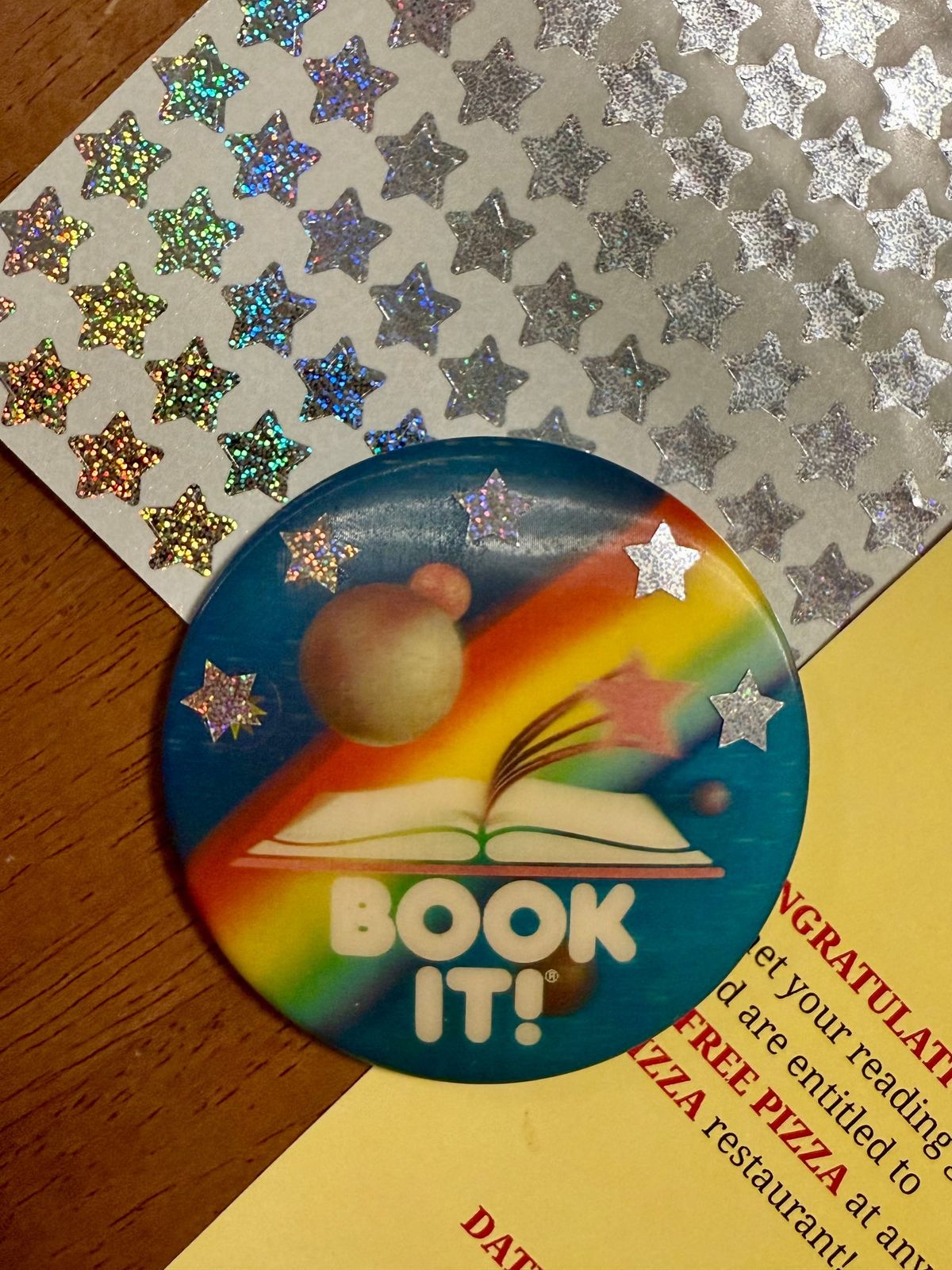
My first task was to recreate the BOOK IT! bookmark certificates from the 90s. I started to replicate one of the originals, but the designer and white space lover in me struggled to stomach the cramped text. Instead, I made a different version, borrowing and updating two of the colors from the original to give mine a cheese and marinara feel. Afterward, I hopped onto Ebay and found two of my favorite versions of the BOOK IT! pins from the 90s—you can see one in the main photo of this journal entry, along with our bookmark. Then we got glitter star stickers to track our progress on the pins, and we started reading. When she finished her five books, I bought her slices from Cowabunga! Pizza Pies, which felt appropriate for our Millennial hearts, and when I finished mine, she bought me a veggie pie from DD's Pizza Co, which has become a go-to for us.
We had a blast. Reading toward a goal, learning about each other’s books, and trying new pizza joints. We decided to make this a yearly endeavor, starting around summer, and we’re calling it BOOKS&PIZZA—who needs originality when you can name it after two of best things in world? We created a new bookmark for 2026 and set some guidelines, and we’re sharing them with you, should you want to fill your heart with cheesy joy too.
#
Guidelines
Here are the guidelines my partner and I set for BOOKS&PIZZA. Use them, a version of them, or something completely different with your partner, friends, or even if you do this yourself—awarding yourself with pizza for reading is good living in my humble opinion.
- Read five books.
- One of the five books must be a recommendation from someone else.*
- After you finish each book, you must tell someone else about what you read.**
- After you finish five books, go get pizza!***
That's it. Easy cheesy like BOOKS&PIZZA should be.
#
Bookmark
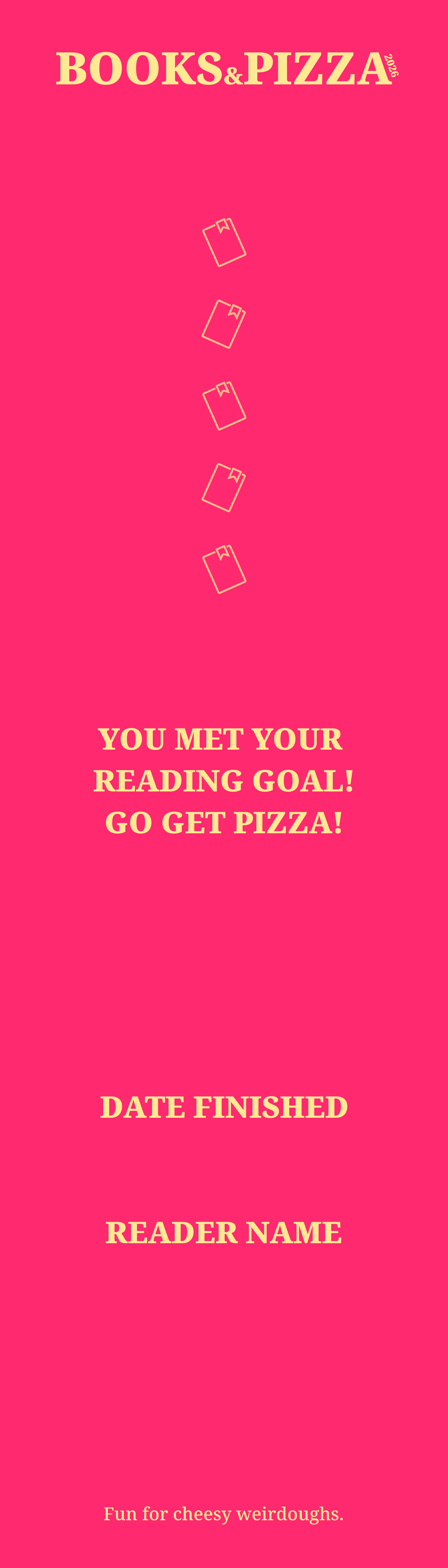
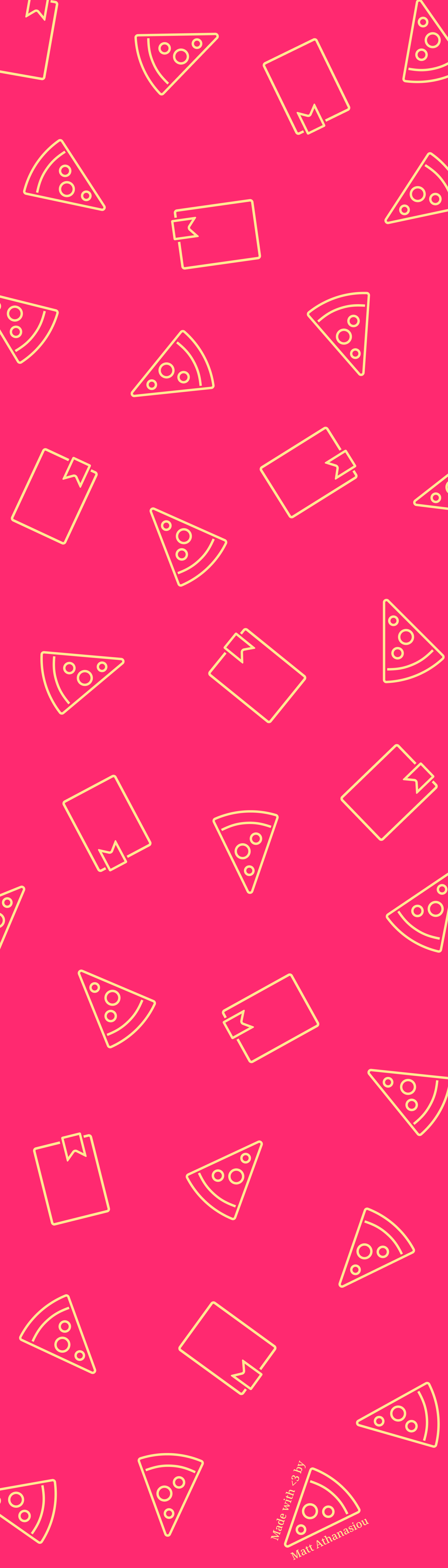
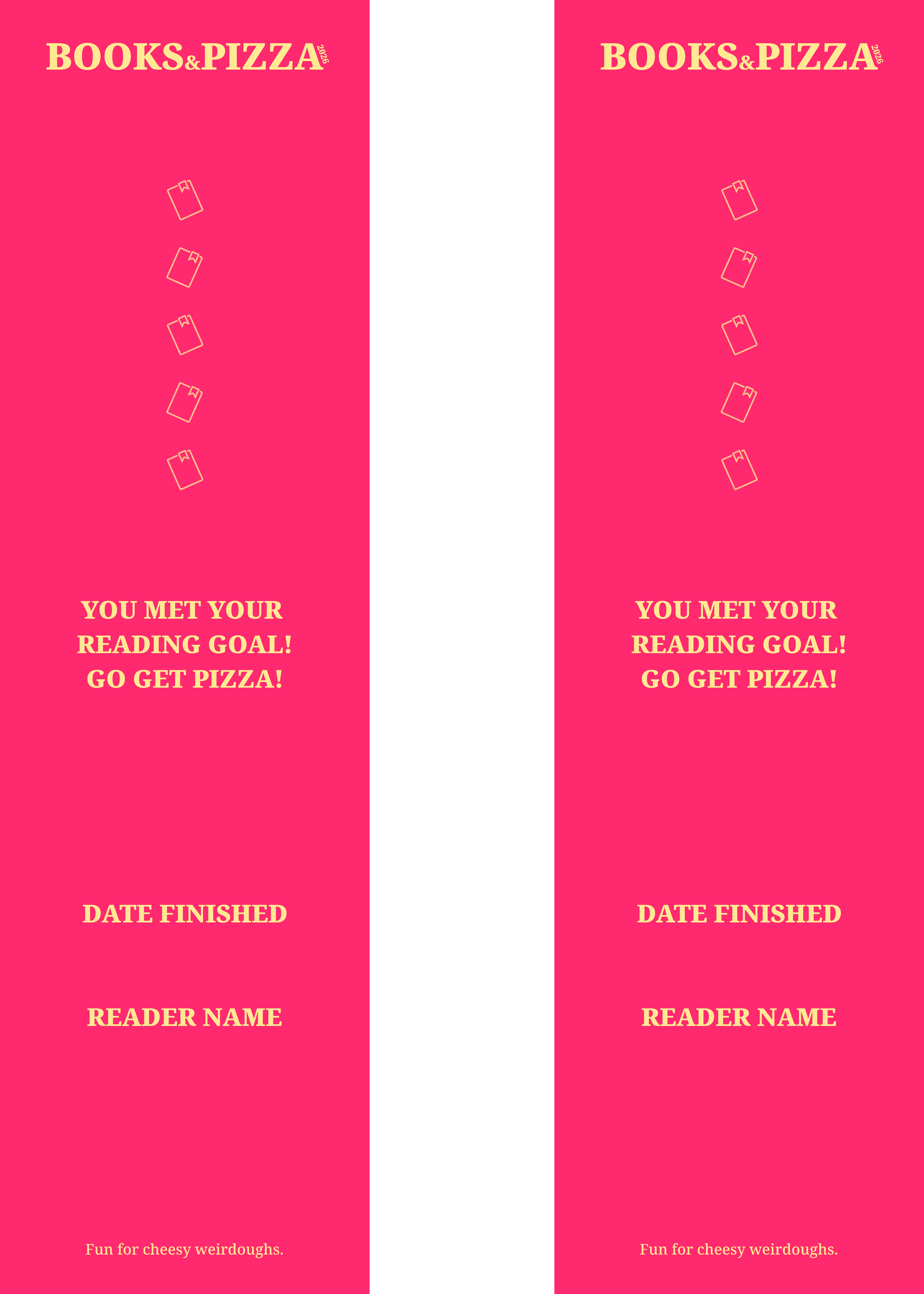
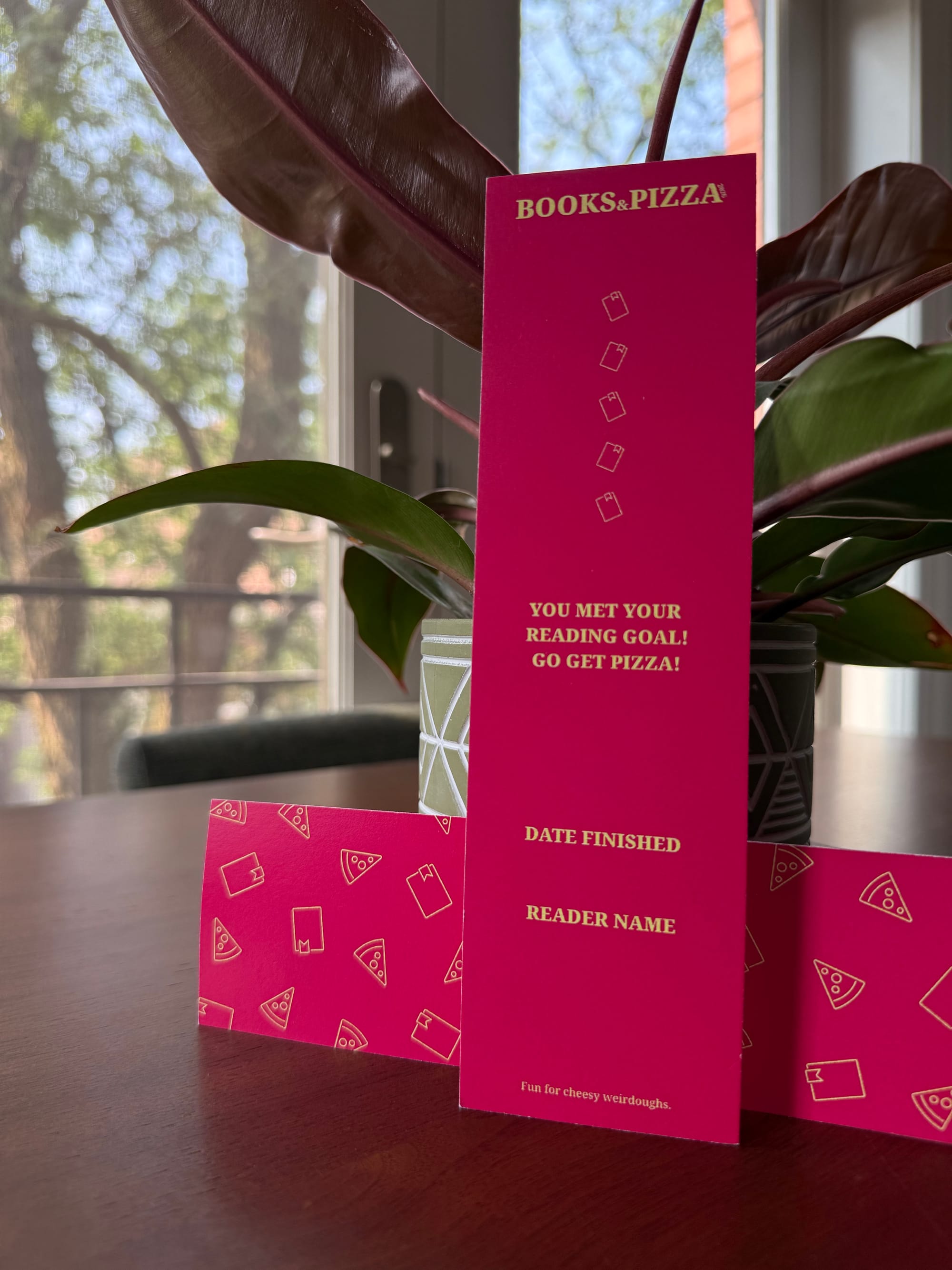
This year, we inverted and slightly updated the colors, and we're calling it the Pizza Sauce Bookmark. We also added five small book icons, so you have space to put stickers over them (we're fans of glittery stars), write titles around them, or both when you finish a book. Up to you and sort of depends on if you choose to only save or save and print a bookmark—or purchase a higher quality aluminum one.
Let's start with free options for getting a bookmark below.
- The simplest method is to save the image of a single bookmark to your device. Whenever you finish a book, you can use the edit feature in your Photos program—or any image editor—to write on it or add digital decorations.
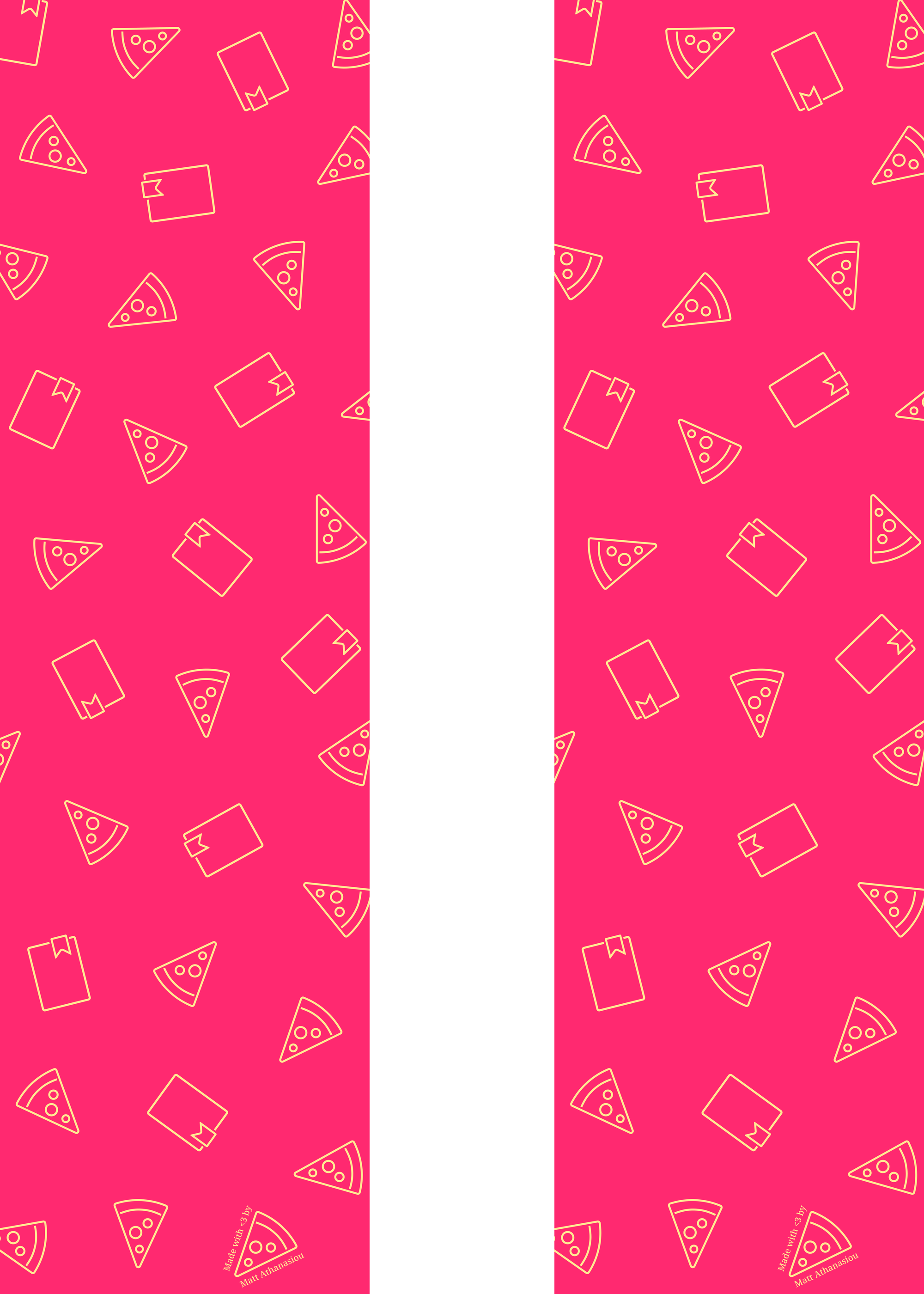
- Another method is to save front and back images to your device and print them at home or a place like Staples. Printer quality and settings will determine the vibrancy of colors you get on your paper. I recommend using cardstock, along with a handful of printer settings:
- Unless you want a really big bookmark, use "Landscape" (horizontal) page Orientation, but feed the paper through the printer vertically.
- Deselect "Auto Rotate" if selected.
- Choose "Scale to Fit."
- Choose "Print Entire Image."
- Since you can print both sides the bookmark, here’s how to flip the page and print and on the back:
- After the first side finishes, grab the front edge of the page that's sticking forward (away from the printer). Set the page in the paper feed with the edge you're NOT holding as the start (your edge should be furthest from the feed).
- Use the marked guides on the paper feed to help ensure you print over same area on the back.
Single front side:
Single back side:
Two fronts:
Two backs:
That brings us to our last option. You can purchase an aluminum bookmark, if you would like one that brings together the aluminum pins and bookmarks I enjoyed with BOOK IT! as a kid. They're durable, shiny, just the right size to sit elegantly in a book, and have a nice tack sound when you tap them on things. You can still get stickers to stick to them, and write on them with sharpies (but you'll want to let the marker dry after applying to reduce smudges).
Choose from two versions:
Buy the Pizza Sauce date and name aluminum bookmark.
Buy the Pizza Sauce abridged aluminum bookmark.
Thanks for reading and have fun.
Notes from the Guidelines:
*You can ask for a new recommendation from someone, if you dislike reading the first one, and you can read anything you want, if you dislike reading the second.
**If you are doing this challenge solo and need to complete step 3 (share your thoughts with someone), feel free to tag me in a post on Instagram, Threads, or Bluesky. I love hearing about what people think of stories.
***“Go get pizza” for my partner and I means buying each other pizza as a reward to each other, but everyone’s situation is different, so do what works for you.